
What’s that about ? #
The THCon (Toulouse Hacking convention), is a French cybersecurity conference that brings together hobbyists, professionals, and researchers every year at Toulouse in April-May.
This edition (2026), I was the challenge lead, and also created a few challenges including a steganography which this article is about.
Note : in the case the CTFd is not up anymore, if you did not participate, or you don’t remember the challenges you can take a look at https://ctftime.org/event/3186/tasks/ although not all of them may be listed sadly :/
Let’s get to the writeups ! #
I’ll try to make this as palatable as possible for everyone including people who are not steganography aficionados (which make up the almost integral part of “everyone”).
First Step : You get a weird file #
As is often the case in steganography we get a weird file. It is made up of various character, with a somewhat high frequency of thumbsup/down emojis :
👍hOv👎Vq👎DgIsm👎S👍UjfSP👎R👎YnOt👍OEeMz👎bExm👍x👎UZI👍O👎xt👎UbU👎vm👎RxPs👎icKa👍PhD👎gQDA👎YT👍ovnlU👍BWN👍GY👎Atbqk👎Vn👍pmEPR👎B👎mQolG👎I👍ElG👍deHnD👍QNST👎OZjP👎zK👎HVqtR👎ISqXV👍jVT👍mX👎KQZH👍Mb👎o👎RX👎xgS👎lXQl👍LZG👎Rc👍tj👎AegS👎ZuN👎w👎K👍iYZGE👍Sp👎zrb👍Z👎wPtlb👎M👎SE👎A👎uiB👍qOij👎KjKW👍T👎DMk👎eGC👎Va👎DYLfj👎jDO👎rR👎K👎gz👎fnkFu👎jmmU👎L👎Cf👎LA👎qISN👎hOMa👎COHk👎mizi👎VH👎C👎usCEv👎BCJe👎XPado👎Mgi👎bOuUq👎pp👎fYd👎z👎Ag👎paS👍TiV👍ez👎uNR👍n👎ovgp👍sZ👎uSg👎hTqk👍jPwoG👎yQ👎tESf👍rrsuC👎nv👍Vvzas👎gEaGQ👎THPIZ👍WSev👎LK👎UzE👎S👎CAUCV👍mTmuG👎fjfEI👎fnvy👎MRa👍fpCuI👎S👎CBW👎Di👍axn👎wj👍uwPB👎YmT👎ufk👍N👎LQ👎z👎vCJlf👎zASrl👎etef👎cH👎Eau👎nYKq👎MJEty👎B👎Ta👎zUXlG👎E👎zp👎ebpR👎glG👎DGu👎h👎uqip👎KRcx👎Y👎WDd👎UXLg👍UXe👍m👍CTDx👍tcLK👍SdCDb👎eAKx👍Ww👎hdMK👎qOeF👎KgpTM👎QgLnC👎tz👎r👎oSP👎QMcIj👎kPy👎LXdzK👎JLH👎wJ👎l👎n👎IOR👎UqGJ👎ml👎cpkg👎AgCsS👎pReM👎Vq👎wzlzh👎g👎mt👎This is only a short extract because that file is HUGE (40 MB, about 80% of the used space on the CTFd instance).
So usually in steganography a good idea is to try to find a way of deriving bytes of data from what we have, and seeing the number of 👎 and 👍 we may think that for instance 👍 is 1 and 👎 is 0 (Or the other way ‘round, easy to swap).
A quick experiment to test this on the above text yields :
10001001010100000100111001000111000011010000101000011010000010100000000000000000000000000000110101001001010010000100010001010010000000000000000000000011111010000000000000000000000000Which is great because the Steganography aficionado will recognize here, the magic bytes for a PNG :
PNG
...
IHDRSo let’s build a quick script to extract that :
data = [0 if c == '👎' else 1 for c in open("weird_file.thc").read() if c in '👍👎']
with open("out.png", "wb") as f:
    f.write(bytes([int(''.join(map(str, data[i:i+8])), 2) for i in range(0, len(data), 8)]))
This script parses the weird_file.thc file, then for each char checks if it is 👍 or 👎 and assigns the corresponding value. It the uses struct to
It then opens a handle on the out.png file to write bytes (wb) and will group every 8 bits into bytes.
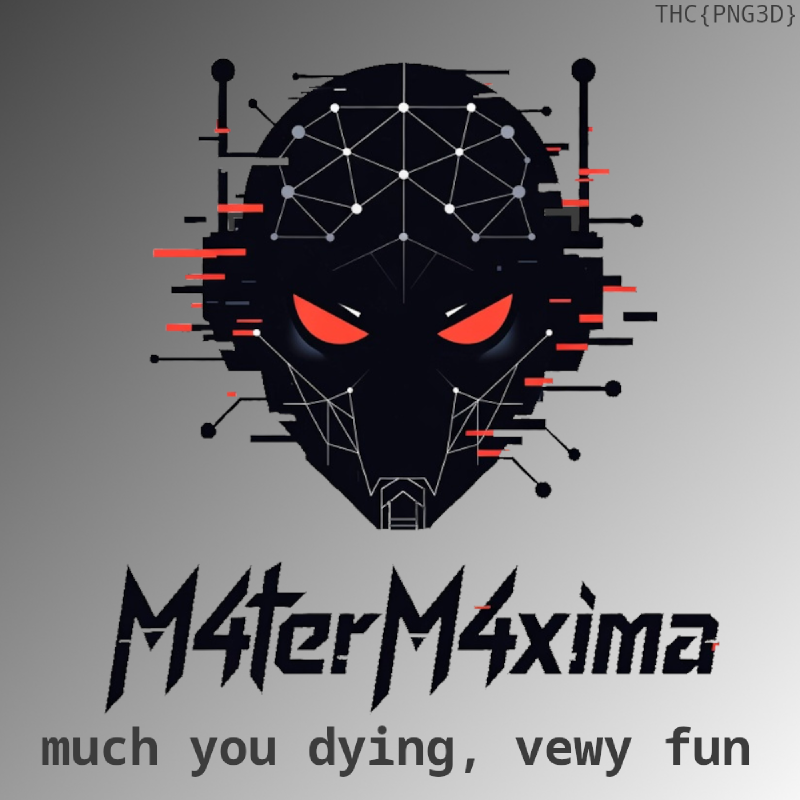
Which gives us our first flag !
Even more weird image shenanigans ? #
Now we have a regular image, which when uploaded to have the lest significant bit of every color channel encoding a QR-Code :
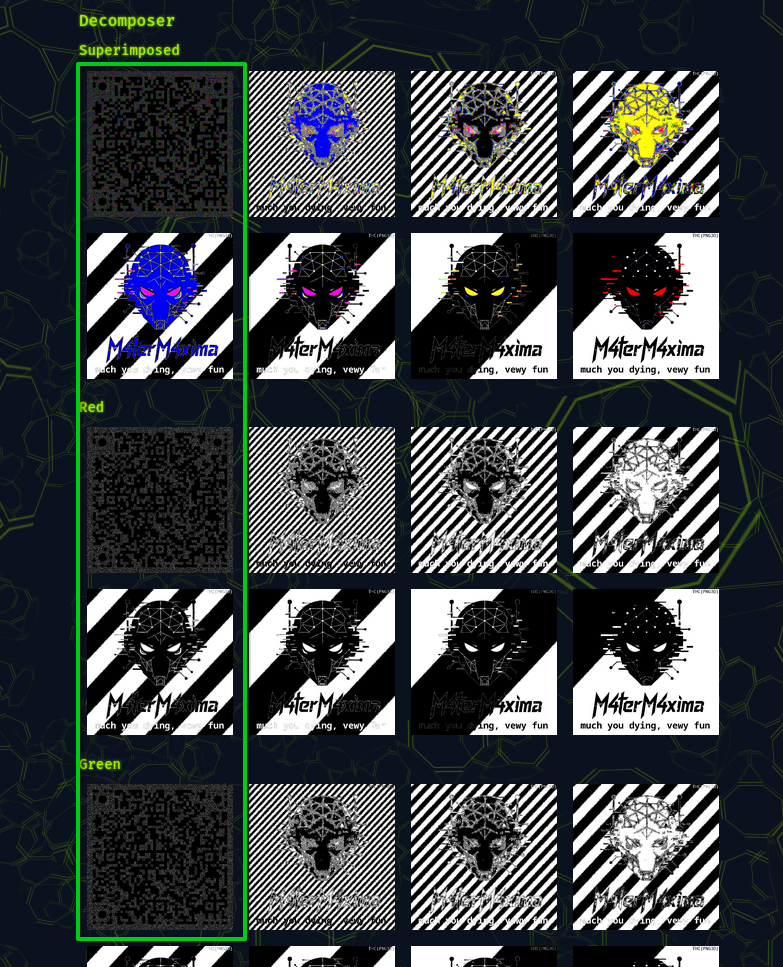
Here is a code that could be used to reconstruct the QR-Code another less classy option was to use GIMP with blending modes 😅
import io
from PIL import Image

img = Image.open(input_path).convert("RGB")
width, height = img.size
px = list(img.getdata())

for i, (r, g, b) in enumerate(px):
    if (r & 1 or g & 1 or b & 1):
        out_px.append((255, 255, 255))
    else :
        out_px.append((0, 0, 0))

out_img = Image.new("RGB", (width, height))
out_img.putdata(out_px)

out_img.save(output_path)
No real shocker here, we open and parse the image then we enumerate across all pixels and write a white pixel if any of the 3 channels holds a 1, else we write a black pixel.
And here is the output :
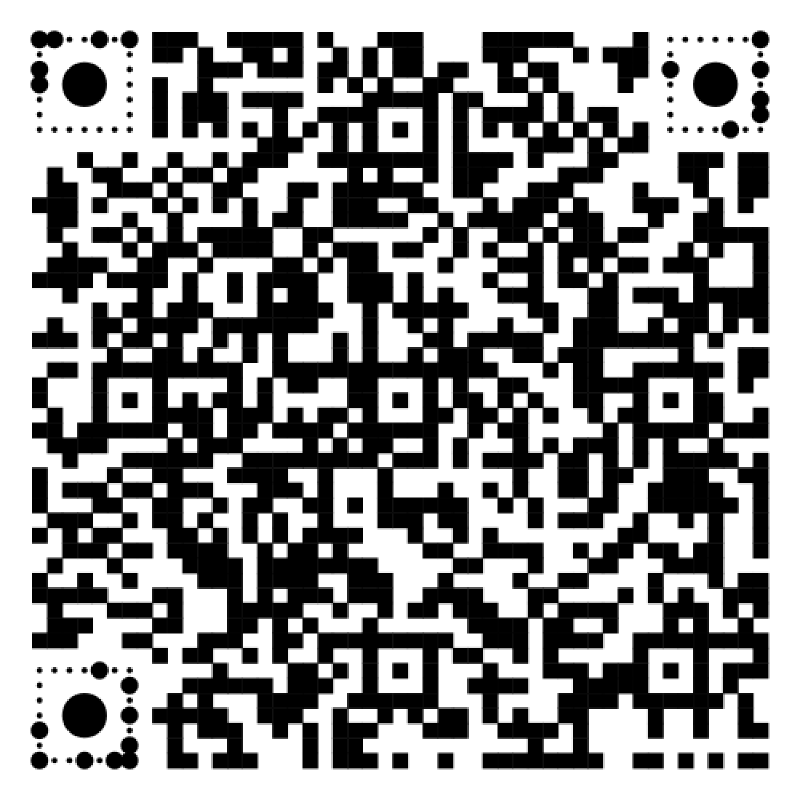
At this point (party to fool AIs whose agents fell into the trap, sadly humans did too) a hint in the text told us that “the music’s URL is the key”. Those who scanned the QR code using a tool on the computer, or who did have a “secure” QR-Code scanning app that shows the URL before you clicking had no issue but for the others here’s the trick :
The QR-Code points to https://www.youtube.com/watch?v=lpiB2wMc49g?flqg=THC{Y'411_s0_r1Ckr0113D}. Note the typo in the get parameter that was totally unintentional, but it made me laugh, so I left it.
AIs were blind to this but frankly humans also 😅 One even got an AI to generate an image as tribute :